

Lumi App - Style
that starts with you
Take a style quizLUMI is an AI-powered tool that grows with you. We start by understanding what feels honest and comfortable for your style, then shape it into everyday outfits you can shop and wear.
4.3 stars
Average LUMI app rating
20 million
Registered users
How it works?

Discover yourself
Uncover what feels true to you — your taste, your mood, and how you want to express yourself through what you wear.

Get smart recommendations
Receive recommendations from AI informed by stylist expertise, designed around your preferences and lifestyle.

Shop complete looks
Browse curated shoppable outfits — each piece thoughtfully paired to fit your life and express your style.
Everything you
need for style,
all in one app
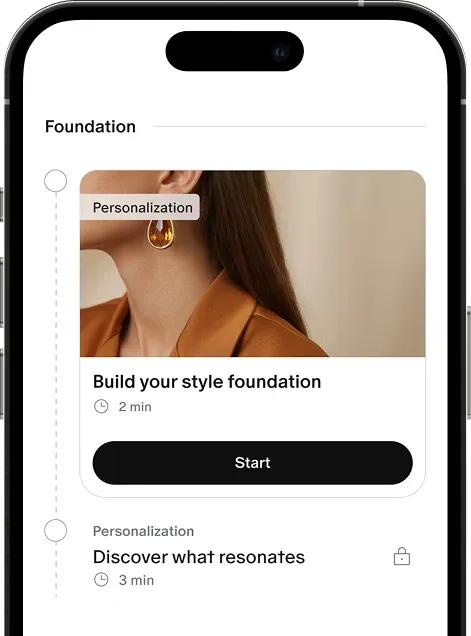
A guided journey to discover what feels authentically you
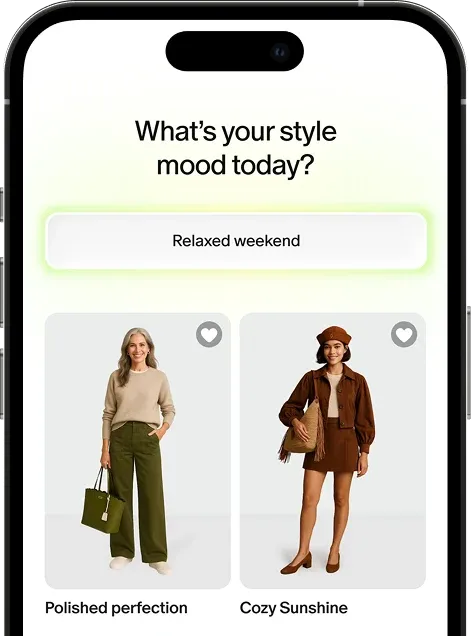
Fresh outfit ideas every day to match your mood, plans, or energy
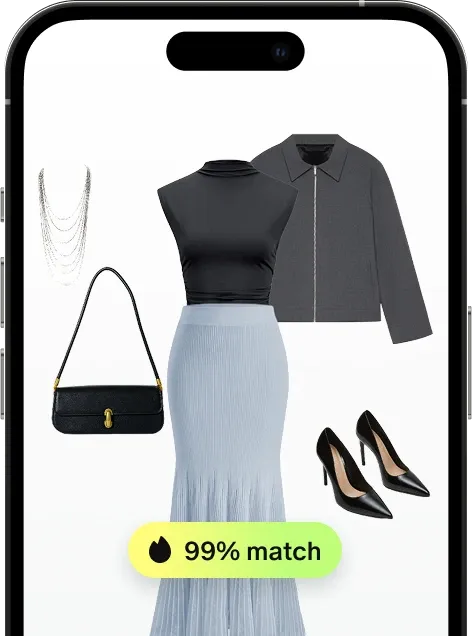
Shop ready-to-wear outfits curated based on your preferences
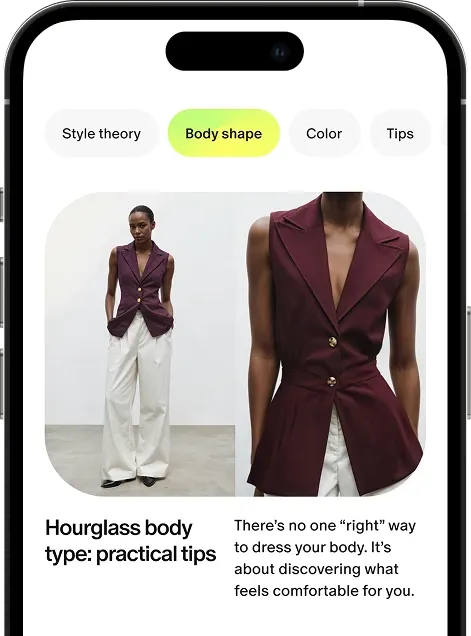
Your personal fashion journal with content based on your interests
See how real people express their style
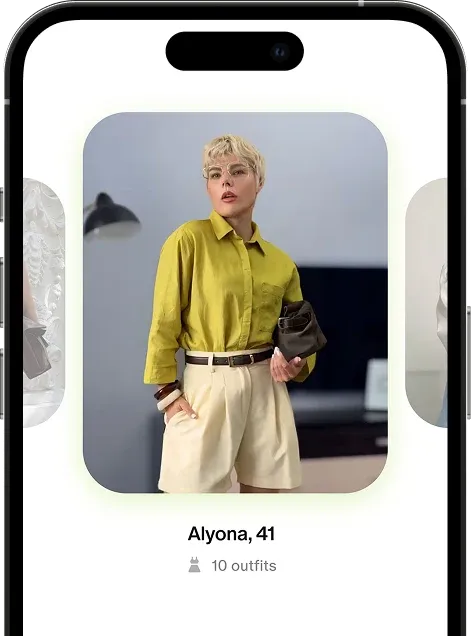
Get more with LUMI membership
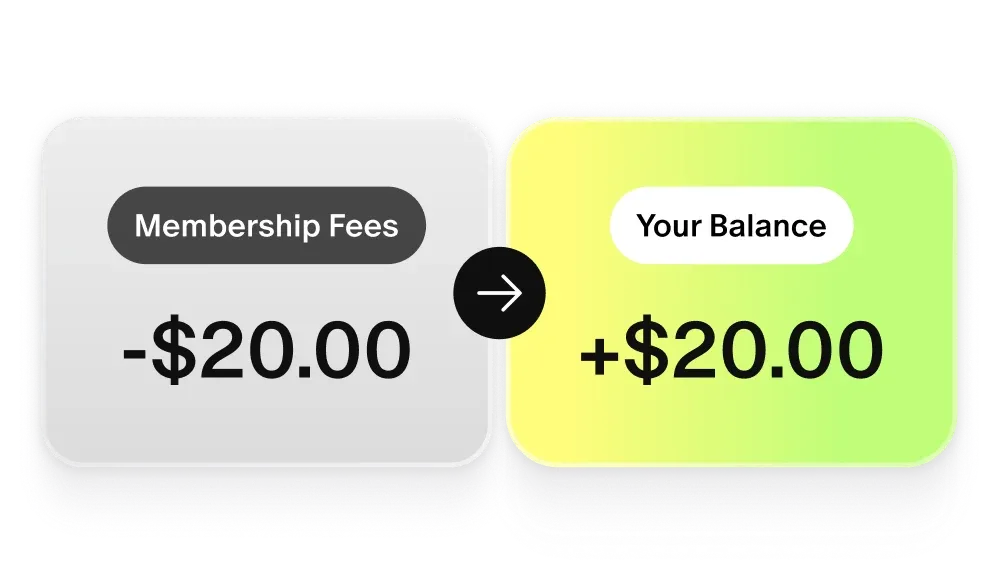
Your money stays yours
Every payment goes straight into your balance — it stays yours ready to use for new outfits.
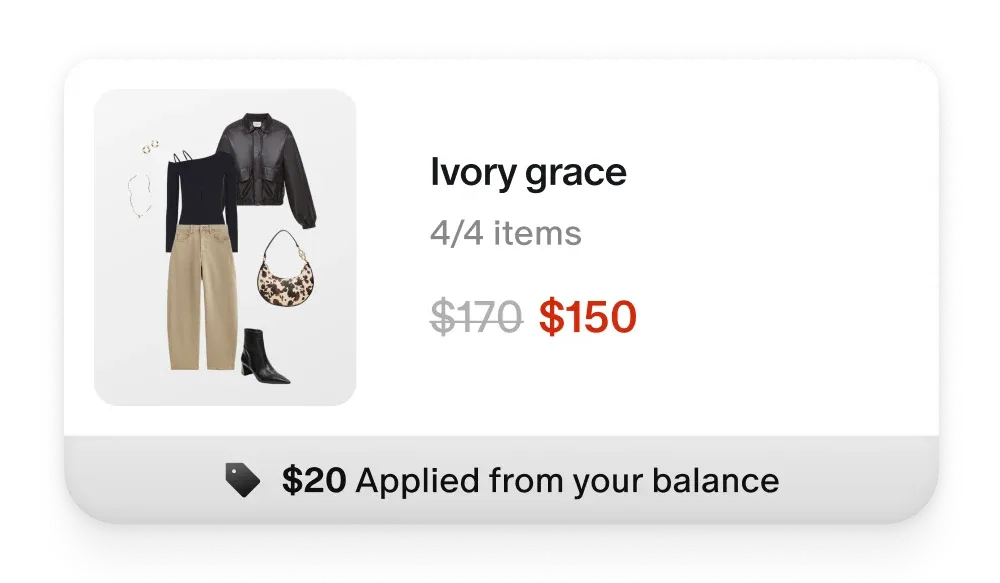
Shop using your balance
Use your balance to shop curated outfits you love and build a wardrobe that feels like you.
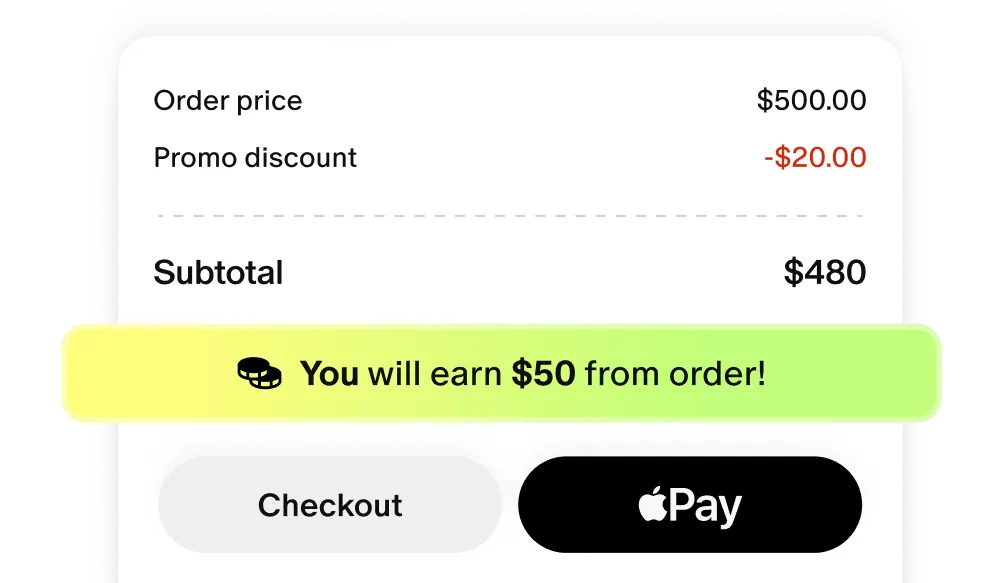
Unlock extra member perks
Unlock cashback, free shipping, styling sessions, and more — perks grow as you level up.
What users say about our personal stylist service
Frequently Asked Questions
What’s included in my LUMI membership?
Your LUMI membership gives you full access to a personalized styling experience, including:
- Curated outfit recommendations tailored to your style, size, lifestyle, and budget.
- Rewards earned through your membership and purchases – redeemable for discounts on future looks, so great style pays you back..
- Expert styling tips and insights to help you get more out of what you already own and build a wardrobe that actually works.
- The Styling Plan tool to explore and refine your personal style at your own pace.
- Members-only prices and exclusive offers available only inside LUMI, so you always get more value for less.
LUMI, as a trusted online personal styling app for women, lumi makes personal styling easier, more rewarding, and genuinely yours. Start your style quiz to see your first picks.
I can’t log in. What should I do?
No worries—let’s get you back in.
From the mobile app:
- Open Lumi and tap “I already have an account.”
- Enter your email and password, then tap Log in.
- If you created your account with Google, select Continue with Google.
From the web::
- Go to the Log in page.
- Enter your email and password, then click Sign in.
If you’ve forgotten your password, click Forgot password? on the login page to reset it.
Still having trouble? Our support team is happy to help—contact us at customer.care@lumi.place.
How can I order clothes?
LUMI works as your online personal shopper, we find what fits your style, you decide what to buy.
To order clothes, simply follow these steps:
- Browse outfits or individual items in the Home or Explore tab and select what you like.
- Add your chosen pieces to the Shopping Bag.
- Open your Shopping Bag by tapping the icon in the top-right corner of your screen.
- Review the Shopping Policy carefully, then click Checkout to complete your payment.
- You can also use Apple Pay to pay directly from your phone.
Once your order is processed, you’ll receive a confirmation email at the address you used during registration.
How can I cancel LUMI membership?
We’ll miss you—but cancelling is simple.
Through the App:
1. Tap the Me icon → Settings (top right).
2. Choose Manage Membership.
3. Turn off Auto-renewal and confirm.
Through the Web:
1. Click your Profile icon to open the Profile Settings page.
2. Go to Account Management → Manage Subscription → Unsubscribe.
If you subscribed via the App Store:
1. Open Settings → Apple ID → Subscriptions.
2. Select Lumi and tap Cancel Subscription.
You’ll keep full access until the end of your current billing cycle.
If you need any help, reach out anytime at customer.care@lumi.place.
How does LUMI personalize recommendations? What data does it use?
Your AI-driven personal stylist online builds your profile from what matters: style preferences, sizing, lifestyle, budget, and goals. This isn’t one-size-fits-all – it’s online fashion stylist expertise shaped around your real life.
LUMI as your personal style consultant online refines every recommendation based on what you share and how you respond. Think of it as having a high-end online style consultant who remembers everything – your wins, your preferences, your evolving taste. You stay in full control of what you share, and you can update your preferences any time your needs change.
Can LUMI help with outfits for events like interviews, dates, or weddings?
Yes, occasion styling is one of the things LUMI does especially well. Whether you have a job interview, a first date, a wedding, or a party, just tell your fashion stylist online the occasion, dress code, location, and your budget.
You’ll receive a curated set of ready-to-wear outfits suited to that specific event, along with alternatives and direct shopping suggestions from LUMI as your personal clothes shopper, so you have options at every price point. Don’t leave it to chance – share the details and let your stylist put together the look that makes the moment.
Is LUMI AI-only or do I work with a real stylist?
Both — and that’s the point.
LUMI pairs smart AI with real clothing stylist insight. The AI learns your preferences, tracks what works, and personalizes at scale. The human expertise adds taste, intuition, and the kind of styling nuance algorithms miss.
It’s a personal styling service that feels modern: part fashion consultant online, part technology – designed to help you dress like yourself, effortlessly.
