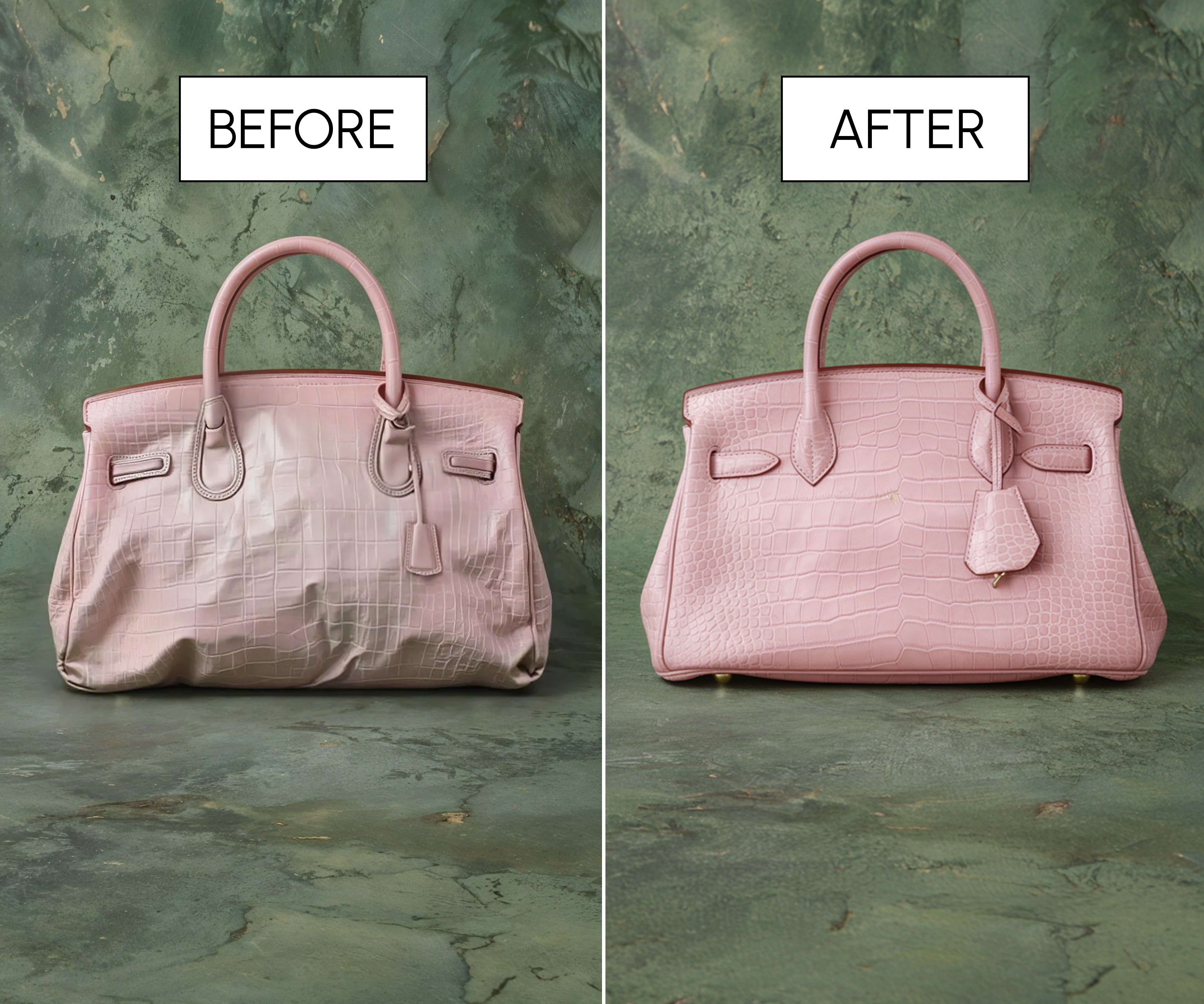

2026 style predictions, for real life
by Oliviapublished Mar 02, 2026

If you need to cancel your LUMI subscription, you can do it easily by following the steps below.
Tap the Me icon in the bottom-right corner, then tap the Settings icon in the top-right corner.
On the Settings page, select Manage Membership.
Choose Turn off auto-renewal → Cancel Subscription.
Click your Profile icon to open the Profile Settings page.
Go to Account Management → Manage Subscription → Unsubscribe.
On your iPhone, go to Settings > [your name] > Subscriptions.
Select the subscription you want to cancel.
Tap Cancel Subscription or Cancel All Services.
Connect with us


Ready to Find Perfect Style?
Take a style quiz